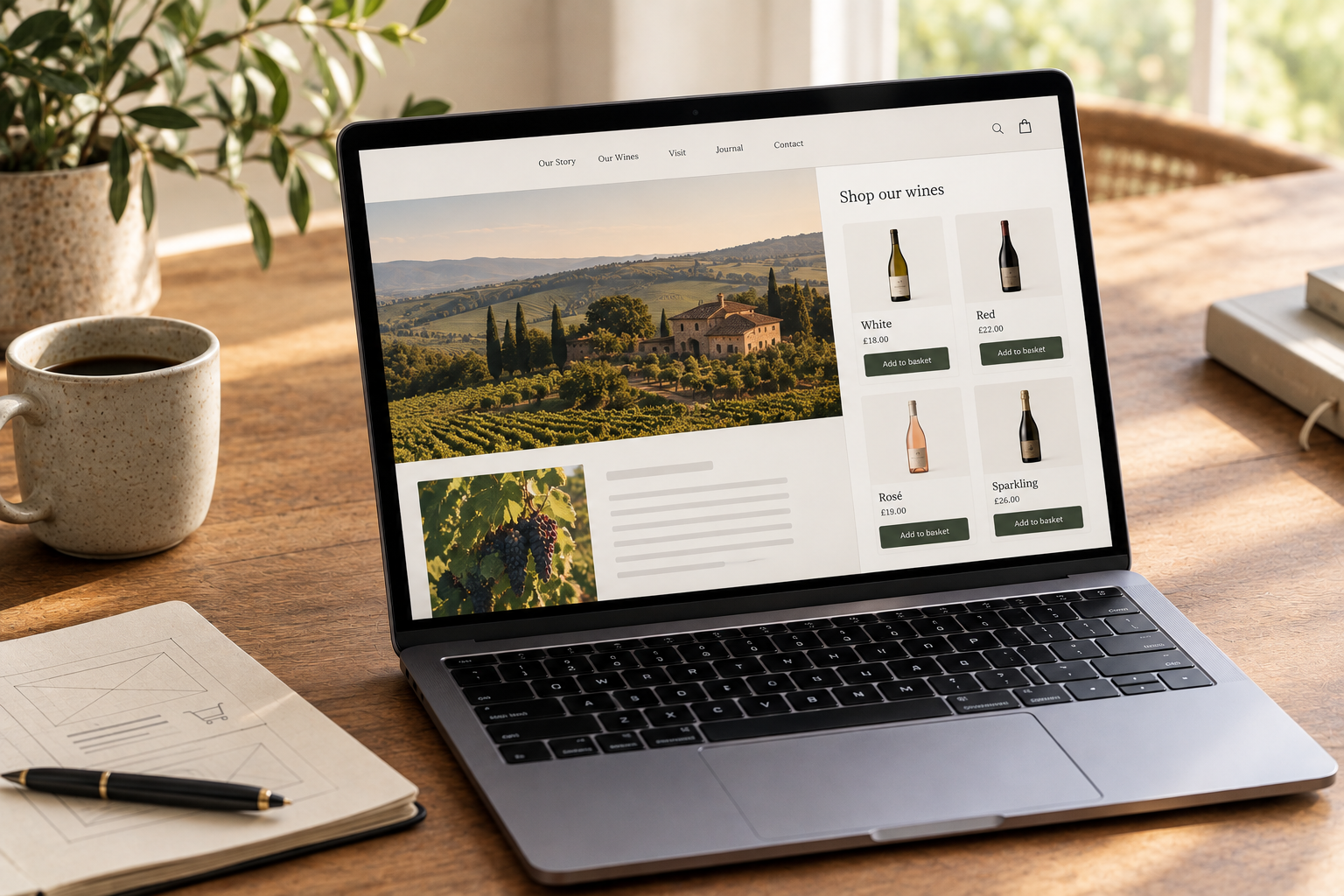
There's no single right way to build a winery website. Some of you have a WordPress site you've put years into. Some have a site an agency built, or one you coded yourself. Some would rather not think about websites at all.
Marzipan works with all of them. Your products, customers, orders and subscriptions live in one place, and you choose how they reach your website. If you change your mind later, none of that moves. Only the front end does.
The quickest way to show you is to do it on this page.
Try it here
This is our demo winery, Grapewood, running inside this blog post. Add a bottle and watch the cart icon.
Nothing here was built for this blog. Our website doesn't run on Marzipan and has no shop of its own. What you're looking at is one script tag and three elements: a collection, a cart icon and a cart. The prices, stock and styling all come from Grapewood's Marzipan account, so if they change a price or sell out of a wine, this post updates on its own.
One engine, several ways in
Every way of selling with Marzipan sits on the same API. That's what makes it flexible: you choose how much of the front end you want to touch, and you can change your mind later without migrating anything.
Web components
The web components are what you've just used. Add one script tag to your site, then place elements wherever you want something to happen:
<script data-m-token="YOUR_TOKEN" src="https://web-components.marzipan.cloud/script.js" type="module" crossorigin></script>

<marzipan-carticon></marzipan-carticon>
<marzipan-collection collection="red-wines"></marzipan-collection>
They work on any site that lets you add your own HTML - a hand-built site, a static site generator, or something your agency built years ago that you're not ready to replace. There are components for single products, collections, the cart, checkout, customer accounts, subscriptions, forms and a currency switcher, and you can put them on any page, including a blog post like this one.
You don't need to write CSS to make them look like they belong. Colours, buttons, card layouts and more are set from the Marzipan dashboard. And if you sell in more than one market, they handle that too: a customer in Dublin sees euro prices and a customer in Leeds sees pounds, on the same page.
The WordPress plugin
If your site is on WordPress, you don't need the script tag at all. Our official plugin adds the same components as blocks in the editor, as Elementor widgets, or as shortcodes:
[marzipan_collection collection="red-wines"]
[marzipan_carticon]
Paste your API token into the plugin's settings, choose which pages hold your cart, checkout and account, and place blocks where you want them. It also works with Yoast, SEOPress and Rank Math, so your product pages are covered by the SEO plugin you already use.
The API
If you're building something bespoke, you can skip the components and work against our REST API directly. Products, collections, orders, customers, subscriptions and content are all available, with scoped keys so each integration gets only the access it needs.
Most builds end up mixing the two: the API where you want full control, components where they save time. Nothing here is all or nothing.
A site we host for you
Some wineries would rather not think about hosting at all. We're working on Marzipan Cloud: build your site in Astro, or anything that outputs static files, and we serve it on your own domain, with the components doing the commerce. Domains, certificates and delivery are handled for you, and it's part of your plan rather than another bill.
Why it matters
A website gets redesigned every few years. Your customers, orders, subscriptions and club members are with you far longer than that. Because every option above sits on the same API, you can move between them as your needs change, without migrating a single order.
So you can start small. Put a collection on your homepage this week, add the cart icon to your header, and see how it goes. When the redesign comes round, build it however suits you best, or let us host it, and everything you've sold so far comes with you.
Getting started
- The web components docs cover every element and its options.
- The WordPress plugin is free to install from wordpress.org.
- Our headless page has more on how the pieces fit together.
If you'd like to see it on your own site, get in touch and we'll show you.